Add roles to associates on the verification list
You can add a role to associates on the verification list for the Identify shareholders and Assess company ownership tasks.
To add a role to an associate:
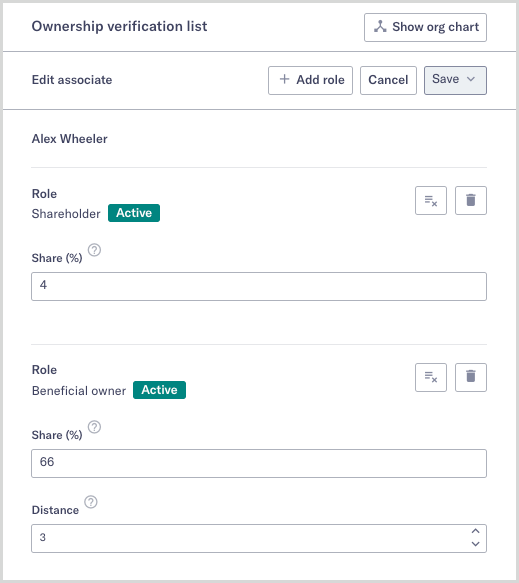
On the Shareholders or Ownership verification list, select the Edit button
 next to the associate you’d like to add a role to.
The verification list enters edit mode where you can add roles.
Select .
If the associate already has all available roles, then the button is disabled and no more roles can be added to this associate.
Select a new role from the Role drop-down.
Optionally, enter a share percentage and distance, if applicable.
Select . The Save changes drop-down appears.
Optionally, add a comment for your changes and then select .